

Summary Points
- Android Auto may resume the last playlist or podcast as soon as a driver’s phone connects.
- Drivers can often stop autoplay by turning off Start music automatically in Android Auto settings.
- If Spotify still starts, the cause may be a Bluetooth device sending a play command; unpairing and testing connections may help.
- Bluetooth behavior varies by car and device, so there’s no guaranteed fix; removing Spotify from Android Auto is a last resort.
How to Stop Audio From Auto-Playing on Android Auto
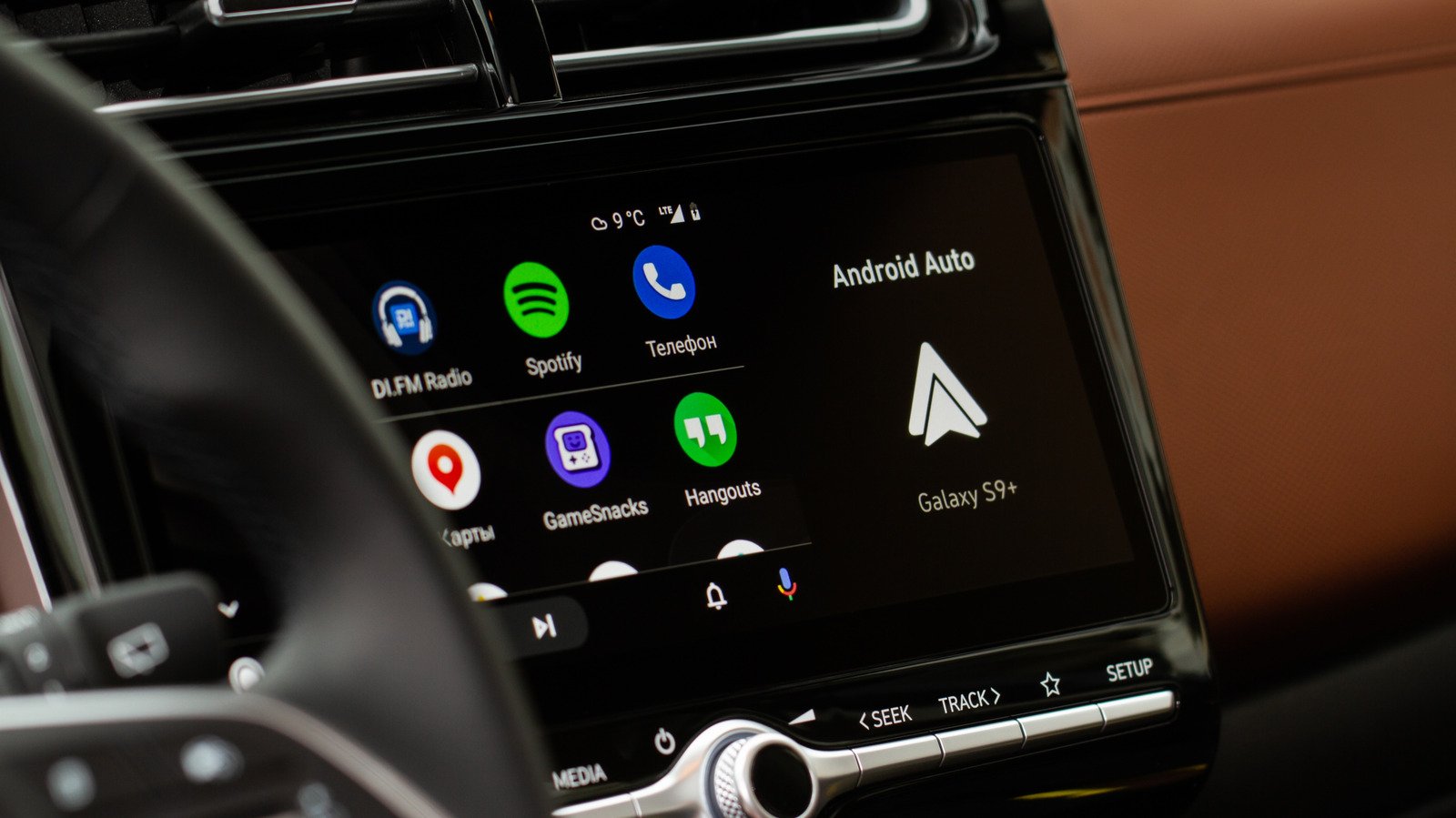
A quiet car can turn loud in an instant. You start the engine, your phone connects, and yesterday’s playlist bursts through the speakers. Android Auto often resumes the last song, podcast or audiobook at the volume you used before.
That can catch you off guard on a morning commute. It can also create an awkward moment when children climb into the back seat. Fortunately, one Android Auto setting often stops the surprise. If it doesn’t, a few careful tests can help reveal what’s triggering playback.
Turn Off Android Auto’s Automatic Music Setting
Start with Android Auto itself. On your phone, open Settings, tap Connected devices, then select Android Auto. Look under Startup for Start music automatically. Turn it off.
Settings menus can differ across Android phones. If you can’t find Android Auto, search for it in your phone’s Settings app. Once you switch off the feature, Android Auto should stop resuming audio as soon as your phone connects to your car.
For many drivers, that single change solves the problem. It also keeps the convenience of Android Auto’s other features, such as maps and calls, without forcing music to start. You can still choose a playlist or podcast when you’re ready.
Test the change while parked. Connect your phone by USB or wirelessly, depending on how you normally use Android Auto. If the cabin stays quiet, you’ve found the fix. If audio starts anyway, the car may not be the only device sending a signal.
Check Bluetooth and Spotify’s Connection
Android Auto uses Bluetooth for phone calls and to begin the connection between your phone and car. That means Bluetooth can play a role even when you use a USB cable for Android Auto.
If the autoplay setting doesn’t help, try removing your phone from the car’s Bluetooth memory. Then reconnect using USB only, if your car and phone support that setup. This workaround helps some drivers, but results vary by vehicle, phone and connection method. Remove the pairing only while parked, and follow your car’s instructions to reconnect.
Spotify can also respond to a Bluetooth device that sends a play command. Your car may do it. So might headphones, a speaker or another accessory that reconnects or powers on. Spotify’s behavior can depend on how that device communicates with the app. As a result, turning off Android Auto’s music setting may not stop every Bluetooth-triggered playback event.
To narrow down the cause, notice when the music starts. Does it happen only in your car, or also when headphones connect? If you can, test another Bluetooth device. That simple comparison can help you avoid unnecessary steps, such as reinstalling Spotify or changing settings that have nothing to do with the problem.
Keep Spotify, Android and your car’s connected-device software up to date. Updates can address connection problems, although they can’t guarantee a fix for every combination of phone, app and vehicle.
Choose the Fix That Fits Your Setup
Android Auto’s automatic playback can save time when you want to continue a commute playlist. But convenience loses its appeal when the sound starts at the wrong moment or at yesterday’s volume. Turning off Start music automatically offers a useful middle ground: You keep Android Auto, then decide when audio begins.
If Bluetooth still triggers playback, unpairing the car and testing a USB-only connection may help. If the issue continues, you can remove Spotify from Android Auto. That step takes Spotify off your car display, however, so you also give up easy in-car access to the app.
There is no single fix that works for every car and phone. Start with Android Auto’s setting, then test Bluetooth connections one at a time. A little trial and error can restore a calmer start to the drive—and leave the first song up to you.
Discover More Technology Insights
Explore the future of technology with our detailed insights on Artificial Intelligence.
Access comprehensive resources on technology by visiting Wikipedia.
CellphonesV1
