

Top Highlights
1. Cheap, battery-free NFC stickers can trigger phone actions with a tap.
2. They can simplify routines—from Wi-Fi sharing and bedtime settings to timers, medication reminders and music.
3. Tags also help with pet contact details, borrowed-item reminders, appliance maintenance and home security.
4. Some setups differ between Android and iPhone; metal surfaces may require anti-metal tags, and sensitive information should be shared carefully.
10 Uses for NFC Tags in and Around Your Home
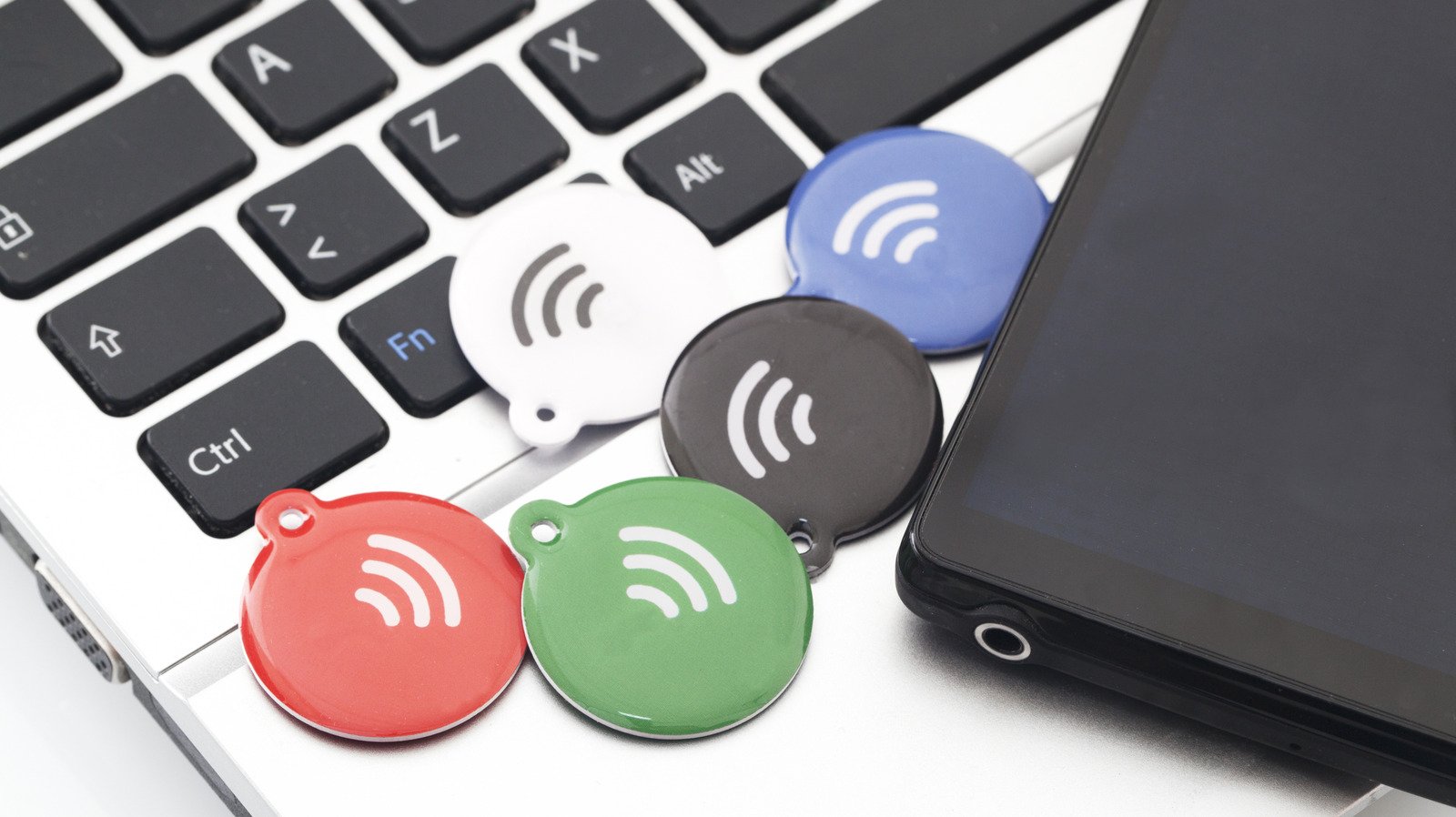
A small sticker can save you time, start a routine or help someone return your missing pet. NFC tags make these shortcuts possible with a quick tap from a smartphone.
NFC stands for Near Field Communication. Phones use the same technology for contactless payments and transit passes. A tag needs no battery. It uses short-range radio waves to communicate with a nearby phone, usually from about 1.5 inches away.
You’ll need NFC stickers and an app to program them. Android users can try NFC Tools. iPhone users can build many automations with Apple Shortcuts. Some features work differently across the two platforms, so check the steps before you stick a tag in place. Standard tags also may not work on metal. For appliances or a refrigerator, choose an anti-metal tag.
Make everyday routines easier
1. Share your Wi-Fi network with guests. Put a tag near your router or entryway, and program it to share your guest network details. Some Android phones can connect to Wi-Fi through an NFC tag. iPhones don’t support that same direct connection. Instead, an iPhone user can tap a tag that opens a note or document with the network name and password. A QR code also offers a simple alternative.
2. Start your bedtime routine. Place a tag on your nightstand. A tap can turn on Do Not Disturb or Sleep Focus, helping quiet alerts when you’re ready to rest. You can also use a compatible Android phone or smart-home system to trigger a broader routine, such as dimming lights. In the morning, tap again to turn off the setting. Check your setup first: Some phones need extra permissions or an app such as NFC Tasks.
3. Put your kitchen list and timers within reach. A tag by the oven can start a frequently used timer. One on the fridge can open a shared shopping list, so you can add milk while you notice it’s running low. You can also set up a recycling-day reminder. Recurring reminders may take extra work, though. You might need an automation app, such as MacroDroid on Android, or a Shortcuts and Reminders setup on iPhone.
4. Make medication reminders easier to manage. Put a tag on a pill organizer or supplement bottle. Program it to open your medication app, such as Medisafe, or connect it to a reminder routine. The tap can help you reach the right tool quickly. However, opening an app doesn’t confirm that you took a dose. For more advanced reminders, you may need to connect Shortcuts or Reminders on iPhone, or use an Android automation app.
Help people, pets and belongings
5. Give a lost pet’s finder a way to reach you. Attach a tag to your pet’s collar with a clear note: “Tap your phone here to help me.” The tag can display your phone number and a safe meeting place. You don’t have to share your home address. Unlike a tracker, an NFC tag won’t show your pet’s location. It relies on someone finding your pet and choosing to tap.
6. Add a return reminder to borrowed items. Put a tag inside a book, game case or tool you lend. Link it to a calendar event that names the item and its due date. Your friend can tap the tag and add the reminder to their calendar. The idea works across iPhone and Android, as long as the link opens a calendar event they can use.
7. Open a family location-sharing app faster. A tag on the fridge can open the service your family uses, such as Find My or Google Maps. That can save a few steps when you want to check a child’s shared location. The tag doesn’t track anyone on its own. Your child must share their location through the app, and location sharing raises privacy questions worth discussing as a family.
Connect entertainment and home upkeep
8. Start a playlist with one tap. Put a tag near a speaker, turntable or workout area. Link it to a playlist in your music app. On Android, a compatible link may open the playlist directly. On iPhone, you can build a Shortcuts automation that scans the tag and opens the link. Test the setup on the device you plan to use. App links may behave differently across phones and accounts.
9. Keep appliance maintenance records in one place. Stick an anti-metal tag on your washing machine, dishwasher or air conditioner. Program it to open a shared document or database with service dates and notes. For example, log when you last cleaned the washer drum and when it needs attention again. A linked calendar reminder can add another layer of help, but you may need to update it as dates change.
10. Arm or disarm a home security system. A tag near a door can trigger a compatible security app or smart-home automation. A platform such as Home Assistant may connect services such as SimpliSafe or Abode, depending on your setup. Consider using separate, clearly labeled tags for arming and disarming. Also review the security settings before you install them. A tag should not replace the app’s normal safeguards, and you should avoid placing it where visitors can use it.
NFC tags don’t replace apps, trackers or good security habits. They do offer a low-cost way to make familiar tasks quicker. Start with one routine you repeat every day. Then add more tags only when they genuinely make life easier.
Discover More Technology Insights
Stay informed on the revolutionary breakthroughs in Quantum Computing research.
Access comprehensive resources on technology by visiting Wikipedia.
CellphonesV1
