

Summary Points
- The article explains that converting your wired Android Auto system to wireless is simple with a small adapter, enhancing convenience during daily commutes.
- These adapters connect via Bluetooth and create a Wi-Fi Direct network, enabling seamless, automatic wireless connection every time you enter your vehicle.
- While advantageous in ease and reduced cable clutter, wireless adapters may slightly compromise connection speed and increase phone battery drain, especially on long trips.
- When choosing an adapter, prioritize those supporting 5GHz Wi-Fi, detachable USB cables, and compatibility with your car’s Android Auto system for optimal performance.
Making the Shift to Wireless: Easy and Practical
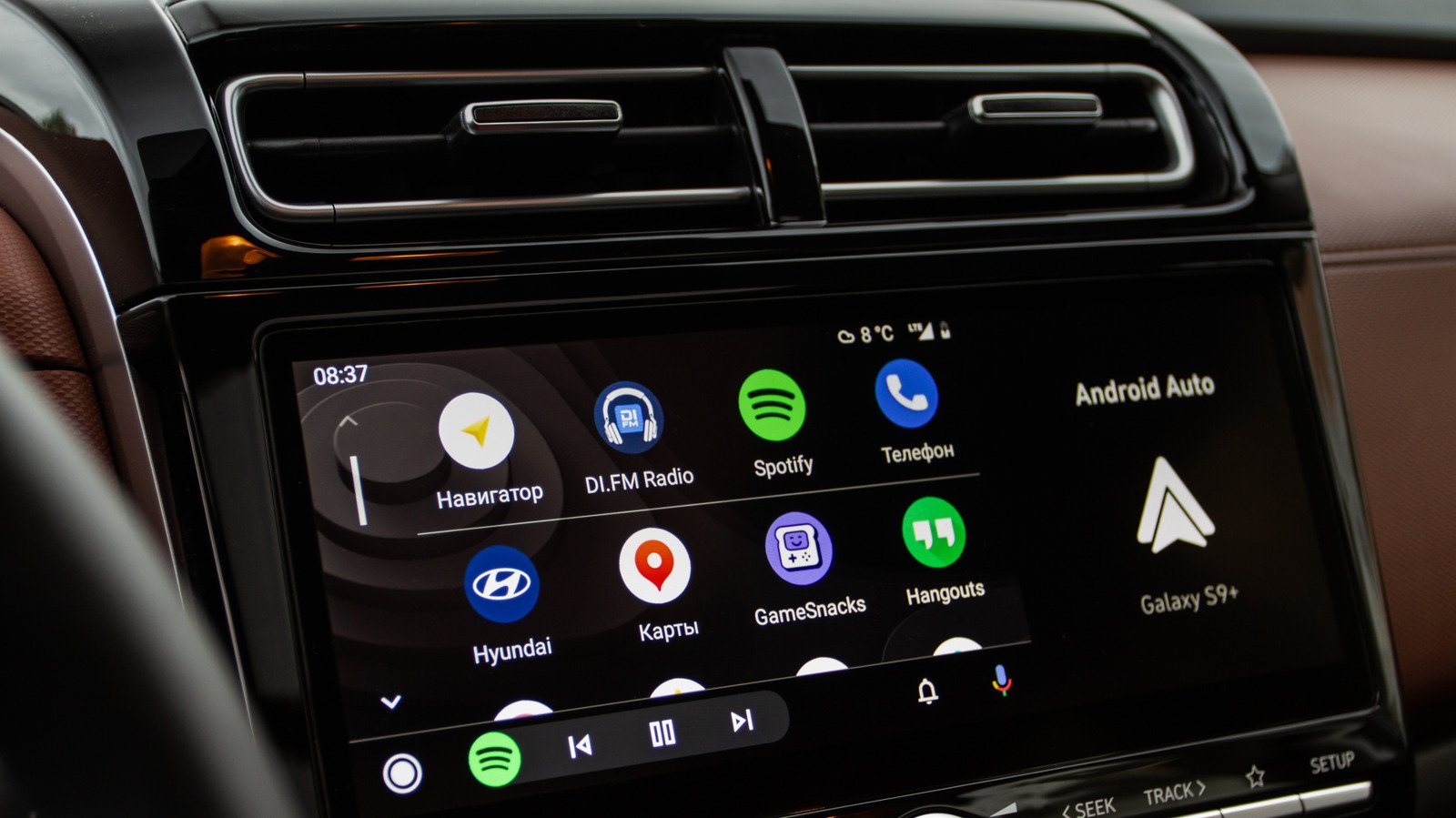
Converting your Android Auto from wired to wireless is a straightforward process. If your car already supports Android Auto using a cable, then adding a wireless adapter can make your daily drive more convenient. This tiny device plugs into your car’s USB port, acting as a bridge between your phone and the car’s infotainment system. Once set up, it creates a seamless connection every time you get in. Instead of fumbling with cables, your phone will automatically connect via Bluetooth and Wi-Fi. This quick upgrade improves your driving routine by removing clutter and reducing wait time. In addition, it aligns with our increasingly wireless world, making every trip smoother. The process is simple, fast, and offers a significant upgrade to your daily commute.
Pros and Cons: What to Expect from a Wireless Adapter
The advantages of using a wireless Android Auto adapter are clear. First, it allows for hands-free use, which can enhance safety. No longer do you need to plug and unplug cables. Your device connects automatically, saving time and effort. It also keeps your dashboard tidy without cords hanging around. However, there are some trade-offs to consider. Wireless connections might not be as fast as direct, wired links. This can result in minor delays when streaming navigation or music. Additionally, running a constant Wi-Fi connection can drain your phone’s battery quickly. This means for long trips, you should keep a charger handy. Overall, the benefits outweigh the downsides for most users, especially since it makes daily commutes more comfortable and less cluttered.
Choosing the Right Adapter for Your Car
Picking the best wireless Android Auto adapter depends on several key factors. First, look for one that uses 5GHz Wi-Fi instead of 2.4GHz. 5GHz offers faster data speeds and less lag, which improves overall performance. Second, consider adapters with a detachable USB cable. This design allows flexible placement and better access to your ports. Some models feature built-in cables that may stick out awkwardly or block other ports. Next, check reviews and specifications to confirm compatibility with your vehicle. The cost varies, but this upgrade is affordable and well worth the benefits. A good wireless adapter is a small investment that transforms your driving experience. Plus, it sets up quickly—often in just a few minutes—so you can enjoy Android Auto’s features sooner. The right choice makes every drive more enjoyable, safer, and cable-free.
Continue Your Tech Journey
Dive deeper into the world of Cryptocurrency and its impact on global finance.
Stay inspired by the vast knowledge available on Wikipedia.
CellphonesV1
