

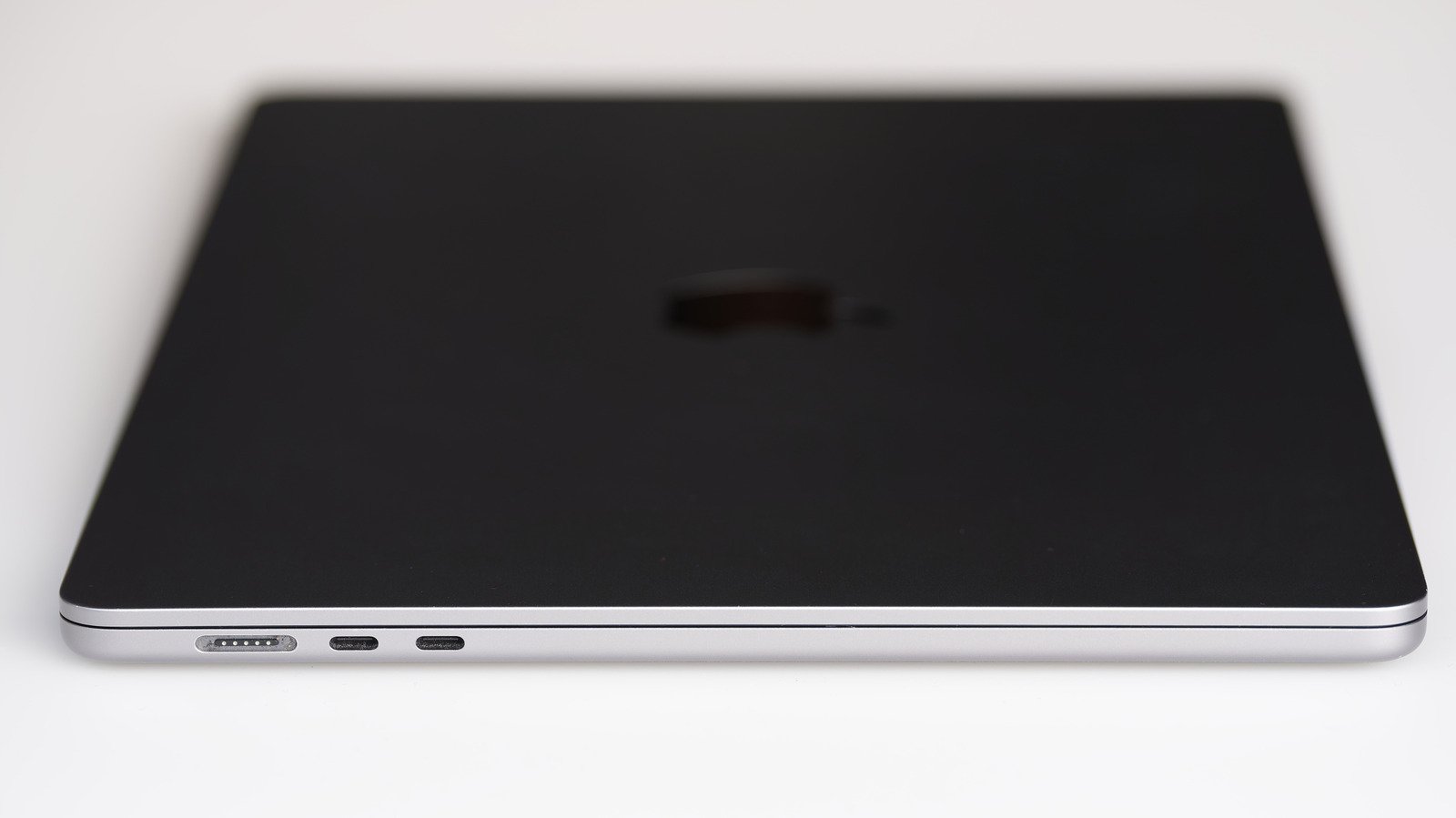
Fast Facts
- Not all USB-C ports support Thunderbolt; Thunderbolt uses USB-C connectors but offers significantly higher speeds and features.
- Thunderbolt ports are faster (up to 120 Gbps in Thunderbolt 5) and guarantee features like multiple 4K monitor support, unlike variable USB-C offerings.
- Manufacturer certifications and costs make Thunderbolt ports and cables more expensive, ensuring consistent performance, unlike the optional features in USB-C.
- Compatibility is generally good, but Thunderbolt-specific devices require Thunderbolt cables and ports; using the wrong cables can limit performance or incompatibility.
Understanding the Difference Between Thunderbolt and USB-C
Many people see the USB-C port on their devices and wonder if it is the same as Thunderbolt. The short answer is no. USB-C describes the shape of the port and connector. It does not dictate speed or capabilities. Thunderbolt, however, is a specific standard that uses the USB-C shape for its modern versions. This means every Thunderbolt port is USB-C, but not every USB-C port supports Thunderbolt.
Imagine USB-C as a door. On a Mac, the door looks the same on different models. Behind the door, however, can be very different. Some ports are slow, supporting basic charging and very little data transfer. Others are fast, supporting multiple displays and high-speed data. The key is knowing what’s behind that port, not just how it looks.
As technology advances, these ports become more versatile. Thunderbolt ports, especially with newer versions like Thunderbolt 5, provide blazing fast speeds and added features. Meanwhile, most USB-C ports focus on serving simple needs efficiently. Understanding this difference helps you choose the right connection for your devices and needs, ensuring you get the best performance possible.
How Thunderbolt Ports Stand Out
The main thing that makes Thunderbolt ports different from regular USB-C ports is speed. Standard USB-C ports support speeds from 480 Mbps up to 80 Gbps with USB4 Version 2.0. On the other hand, Thunderbolt 4 and 5 can reach speeds of 40 Gbps and 80 Gbps. When data moves in one direction, Thunderbolt 5 can even hit 120 Gbps.
Think of it this way: moving a 500GB file with a regular USB 3 port could take about seven minutes. The same transfer with Thunderbolt 5 could finish in less than a minute. This speed makes Thunderbolt ideal for professional tasks, like editing videos or working with large files. Plus, Thunderbolt ports can support up to three 4K monitors through a single connection.
Another important difference is guaranteed features. Not all USB-C ports support video output, fast data transfer, or power delivery. Some might only be capable of basic charging. Thunderbolt ports, however, support all these features consistently. They follow strict standards, so you know what to expect from each port or cable. That reliability makes Thunderbolt a favorite for professionals and tech enthusiasts who need top performance.
Compatibility and Cost Considerations
While Thunderbolt ports use the same USB-C connector, not all USB-C devices work fully with Thunderbolt ports. Plugging a regular USB-C drive into a Thunderbolt port usually works fine, but it will only transfer data at its own speed. The reverse is true for Thunderbolt-only devices. If you connect an external SSD designed only for Thunderbolt, it might not run on a non-Thunderbolt USB-C port.
Cables also matter. Using a Thunderbolt cable with a Thunderbolt device guarantees the best performance. Using a standard USB-C cable might limit the speed, even if the port supports Thunderbolt. On Macs, Apple doesn’t label ports, so you need to check specifications to see what each port can do.
Cost is another factor. Thunderbolt technology costs more to produce due to tighter standards and certification processes. Manufacturers must pass tests to earn the Thunderbolt logo, and these costs are passed on to consumers. Despite the higher price, the benefits of faster speeds and more reliable features make Thunderbolt appealing for power users.
While Thunderbolt offers high-end features and improved performance, USB-C remains a practical choice for everyday use. If you don’t need ultra-fast data transfer or multiple monitor support, a standard USB-C port provides efficient charging and decent file transfer capabilities. Choosing between them depends on your needs and the kind of work you do most often.
Stay Ahead with the Latest Tech Trends
Stay informed on the revolutionary breakthroughs in Quantum Computing research.
Explore past and present digital transformations on the Internet Archive.
CellphonesV1
