

Quick Takeaways
- Taptic Time lets Apple Watch users feel the time through wrist vibrations instead of looking at the display.
- Users can enable it in Settings → Clock → Taptic Time and choose Digits, Terse, or Morse Code.
- Digits is the clearest option: long taps represent tens, and short taps represent ones for hours and minutes.
- The feature is especially useful for people with visual impairments or anyone unable to check their watch; for most others, frequent taps may be distracting.
You Don’t Have to Look at Your Apple Watch to Get the Time
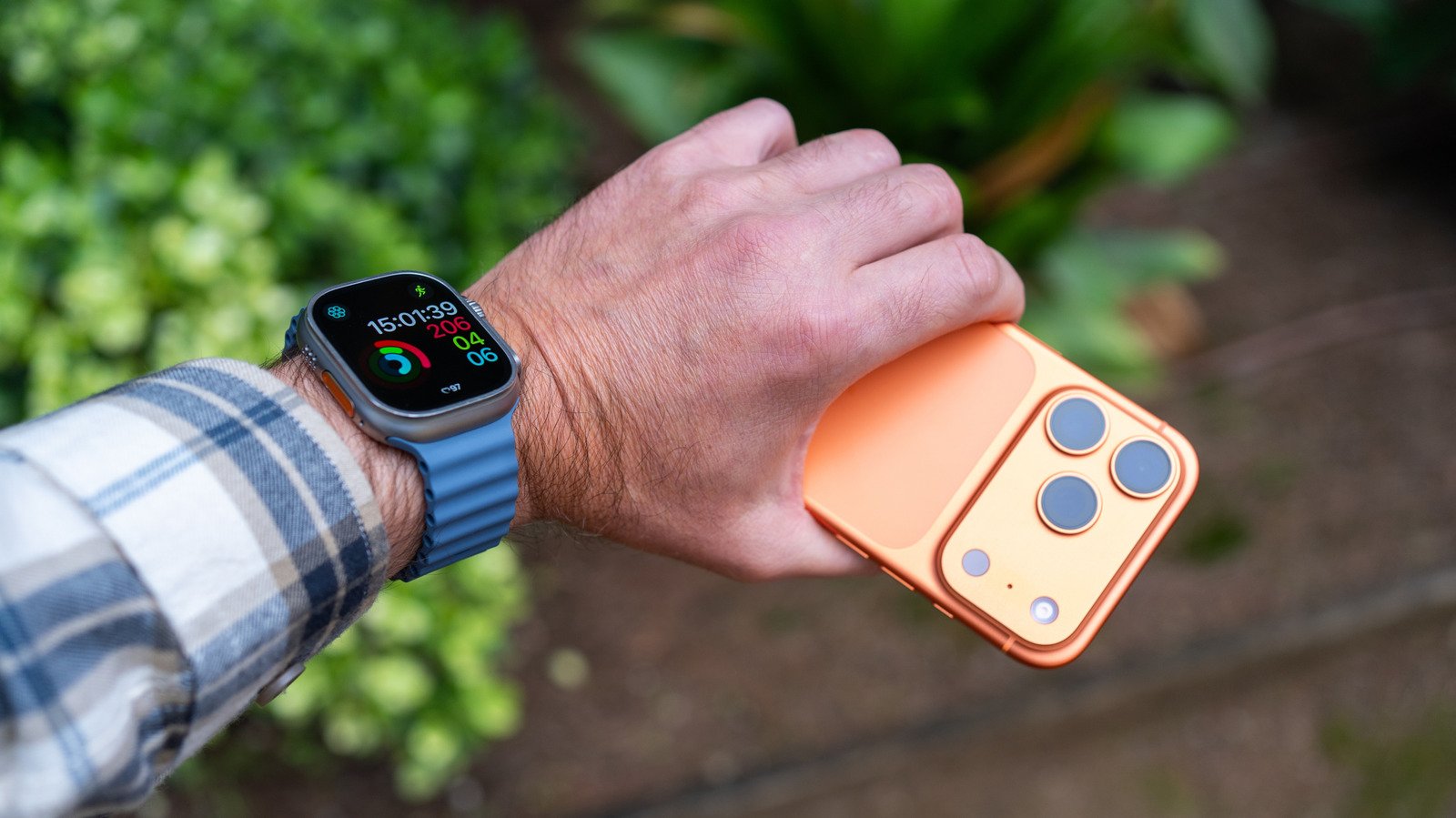
A quick glance at a watch seems harmless. But sometimes, looking away can break your focus—or simply isn’t an option. Apple Watch offers a quieter alternative: Taptic Time, a feature that tells the time through taps on your wrist.
It won’t replace the screen for everyone. The tap patterns take some getting used to, and frequent vibrations may feel distracting. Still, for people with limited vision or hands-on routines, Taptic Time can make a familiar device more useful.
How Taptic Time works
Taptic Time uses the Apple Watch’s Taptic Engine to send a pattern of taps. You feel the pattern, then use it to work out the time without checking the display.
To turn it on, open Settings on your Apple Watch. Select Clock, then Taptic Time, and switch on the feature. You’ll see three choices: Digits, Terse and Morse Code.
Digits offers the clearest readout for most people. Long taps represent tens, while short taps represent ones. The watch applies the pattern to both the hour and the minutes. At 10:09, for example, you’ll feel one long tap, a pause, then nine short taps.
That system rewards patience. You must count the taps, and a busy setting can make the pattern harder to follow. But once you learn it, Digits gives you a precise time rather than a rough estimate.
Terse uses fewer taps. Long taps mark groups of five hours since midnight; short taps mark the remaining hours. More long taps then indicate quarter-hour increments. The pattern may feel quicker, but it gives you less precision. A 15-minute difference can matter when you’re catching a bus, meeting a deadline or heading to the airport.
Morse Code offers another option, though few people will find it the most practical. Unless you already know Morse Code, Digits or Terse will likely prove easier to learn.
Who benefits—and what to consider
Taptic Time can help people who are blind or have low vision. A watch that communicates through touch can offer more than timekeeping. Apple Watch also supports features such as fitness tracking, music controls and smart home controls. Those tools can help users stay connected to activities and devices without reaching for an iPhone.
The feature can also help in situations where looking at your wrist feels unsafe or inconvenient. A cyclist may need to keep their eyes on the road. Someone working with tools, carrying groceries or caring for a child may not have a free hand—or a good moment for a screen check. A quiet tap pattern can offer a quick update without demanding a glance.
However, Taptic Time asks users to interpret signals. That takes practice, and it may not suit every routine. Strong wrist vibrations can startle some people. Repeated taps can also become annoying, especially if you check the time often. For sighted users who want a subtle nudge, Terse may feel less demanding than Digits. Even then, consider whether the extra vibration helps or just adds another interruption.
Accessibility settings can change how the feature works. When VoiceOver is on, you can double-tap the watch face while the screen sits inactive to start Taptic Time. But the feature won’t work if your watch always speaks the time. To adjust that behavior, open Settings, select Clock, then turn on Control With Silent Mode under Speak Time.
A small feature with practical value
Taptic Time shows how a familiar device can communicate in more than one way. A screen remains useful. So does a spoken announcement. But touch offers another channel, and that flexibility matters when vision, attention or circumstances make a glance difficult.
The best setting depends on the person and the moment. Digits favors precision. Terse favors a shorter pattern. Morse Code suits people who already know the system. Try a mode in a calm setting before you rely on it for an appointment or a tight connection.
For many Apple Watch owners, the feature may not become part of daily life. That’s fine. Its value lies in giving people another way to stay aware of the time—without stopping what they’re doing or looking down at their wrist.
Continue Your Tech Journey
Stay informed on the revolutionary breakthroughs in Quantum Computing research.
Access comprehensive resources on technology by visiting Wikipedia.
CellphonesV1
