

Top Highlights
- Connecting your phone to a rental car can expose personal data like contacts, user names, and GPS history to future drivers, risking your privacy.
- Using USB with Apple CarPlay or Android Auto is generally safer than Bluetooth, as it provides encrypted data transmission.
- Rental companies clarify that customers are responsible for any data transmitted during use, and advise deleting personal info before returning the vehicle.
- To protect your privacy, disconnect and delete personal data from the car’s system after use, or consider avoiding connection altogether and navigating via your phone.
Connecting Your Phone: A Double-Edged Sword
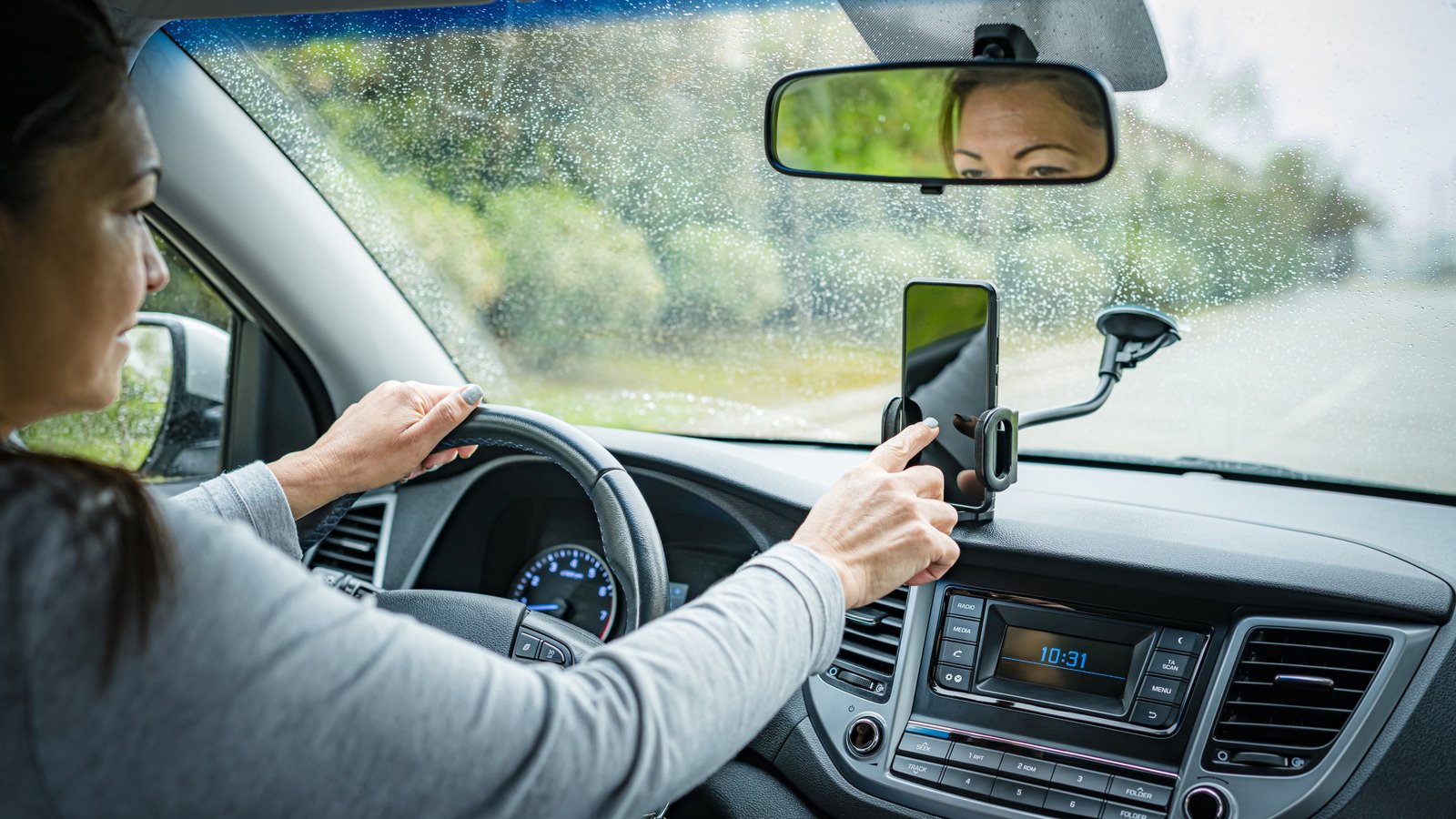
Many people sync their phones to rental cars for convenience. They want to use GPS, listen to music, or make calls easily. However, this simple act can carry hidden risks. For example, Bluetooth pairing might seem harmless, but it can expose personal information. Your contacts, login details, and even recent destinations might be stored in the car’s system. When you hand over the keys, your private data could remain. This is especially true if you forget to disconnect afterward. While features like Apple CarPlay and Android Auto encrypt data to protect your privacy, Bluetooth often does not. So, before you connect, think about the possible consequences for your personal safety and privacy.
Understanding the Risks and Benefits
Connecting your phone to a rental vehicle isn’t all bad. Newer systems with features like Apple CarPlay or Android Auto are designed to keep data safe with encryption. These options let you access apps, playlists, and navigation without sharing sensitive info. On the other hand, Bluetooth connections are less secure. They might automatically transfer your contact list or location history. Many rental companies, in their privacy policies, warn users about this. For instance, they mention that data can stay stored in the system long after you return the vehicle. This means your personal details could be available for the next driver or even remain stored indefinitely. The key is knowing how to connect wisely—to enjoy features without risking your privacy.
Best Practices for a Safe Return
To protect your data, always take protective steps before returning a rental car. First, disconnect your phone from the vehicle’s Bluetooth in your phone’s settings. Remove the vehicle from your paired devices list. Next, access the car’s navigation system to delete any saved addresses or history. According to the FCC, performing a factory reset is even more thorough. This wipes all traces of your driving session from the car’s system. If you want peace of mind, you can simply avoid connecting at all. Use your phone to navigate, listen to music, or communicate, separately from the car’s system. Doing so keeps your personal data private and ensures you leave no digital footprints behind after your rental.
Continue Your Tech Journey
Stay informed on the revolutionary breakthroughs in Quantum Computing research.
Access comprehensive resources on technology by visiting Wikipedia.
CellphonesV1
