


Top Highlights
- iOS provides tools in Settings to identify which apps drain iPhone battery most, both during active use and in the background.
-
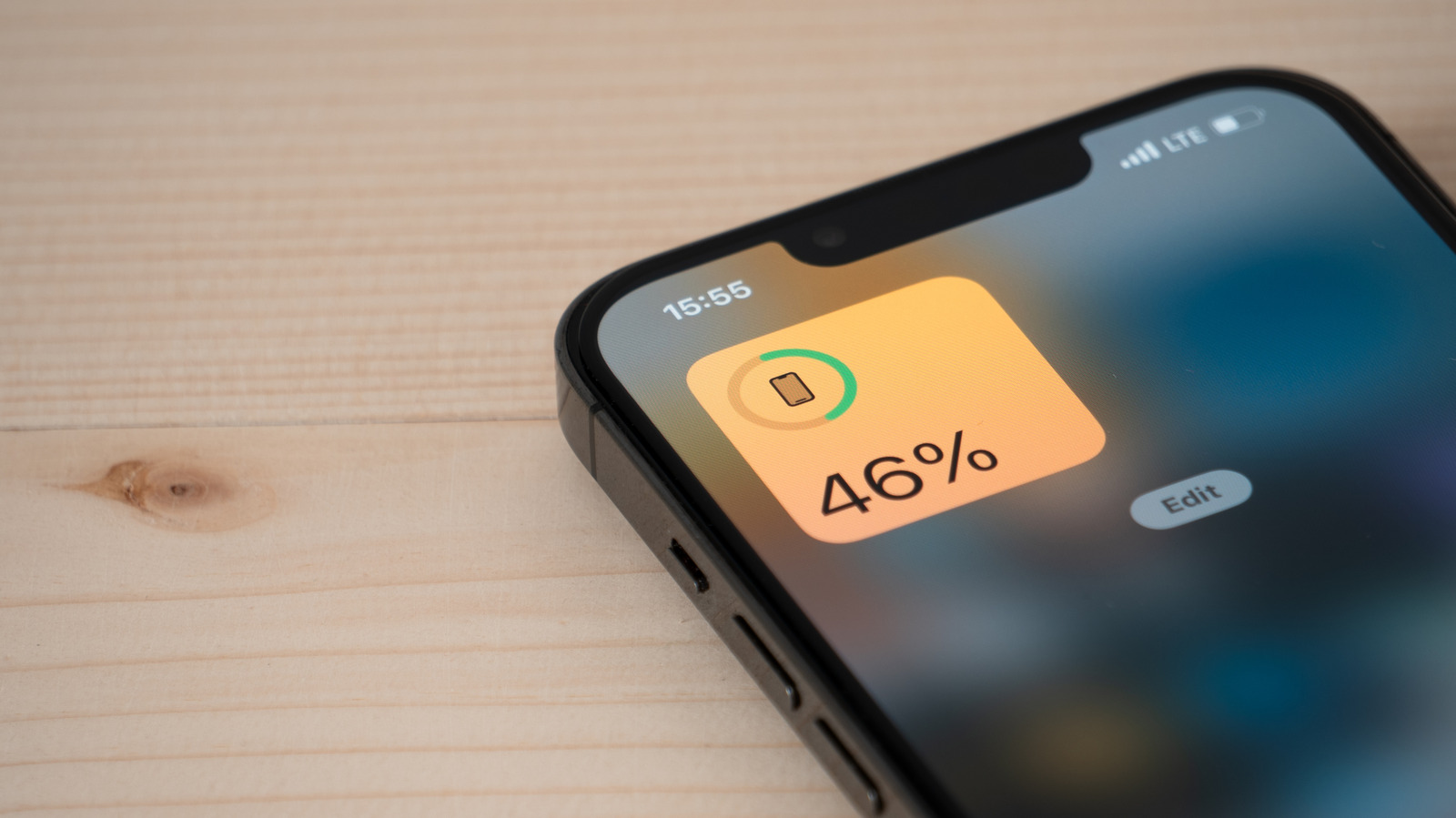 Apps with high background activity, like GPS or streaming services, can significantly reduce battery life even when not in use.
-
Adjusting settings such as disabling Background App Refresh and limiting location access can extend battery life without major compromises.
-
Monitoring battery health and considering a replacement if degradation is severe are crucial steps for maintaining optimal iPhone battery performance.
How to Find Out Which Apps Are Using Most of Your Battery
Sometimes, your iPhone doesn’t last all day. Usually, this happens because certain apps drain battery faster. Luckily, iOS has built-in tools to help you see which apps are the biggest culprits. To start, open the Settings app. Look for the Battery icon—it’s easy to spot because it has a green color. Tap on it, and you will see a graph showing your battery usage over the past 24 hours or the last 10 days.
Next, tap on “View All Battery Usage.” This step reveals a detailed list of apps, ranked from most to least battery-consuming. The apps at the top are usually the ones you’ve used the most or run in the background. For example, if you spend a lot of time watching videos or using social media, those apps might be near the top. You’ll also see two important terms: “On Screen” and “Background.” “On Screen” shows how long you actively used the app. Meanwhile, “Background” indicates apps running in the background, even when you aren’t directly using them.
This information helps you understand your phone habits. If an app uses a lot of background energy, you can decide whether to limit that activity or change settings to save battery. Knowing this makes it easier to manage your device, and over time, it can improve your battery life significantly.
Simple Settings Changes to Save Battery Life
After identifying energy-draining apps, you may want to reduce their impact. One quick way is to adjust Settings to make your iPhone run more efficiently. Start by turning off “Background App Refresh” in the General section of Settings. This feature allows apps to check for updates even when you’re not using them, which can eat up battery. Turning it off means apps only update when you open them, saving energy.
Another effective step involves managing location services. Many apps track your location constantly, which consumes a lot of power. To adjust this, go to Settings, then Privacy & Security, and tap on Location Services. From there, you can disable location access for apps that don’t need it all the time. You can choose “While Using the App” so they only collect location data when you’re actively using them. Just avoid turning off Location Services completely because apps like Find My need it to help locate your iPhone if you lose it.
Lastly, it’s wise to check your iPhone’s battery health. If your battery is old or degraded, no amount of adjustments will help much. In such cases, a battery replacement can make your device last longer each day. These small steps, when combined, can boost your battery life and keep your iPhone running smoothly through your busy days.
Enjoy the Benefits of Smarter Battery Management
Keeping an eye on your battery usage offers many advantages. By understanding which apps drain power, you gain control over your device. This knowledge allows you to prioritize important tasks and cut back on less critical activities. For example, you might limit social media time or disable location sharing for non-essential apps. These actions immediately improve battery longevity.
Moreover, new iOS updates often introduce more tools for managing power. They enhance how apps use resources and provide clearer insights. This continuous improvement aims to make your device smarter and more efficient. Also, some updates include features like better background activity controls and improved battery health notifications—adding more value to your daily experience.
Embracing these tips not only extends your iPhone’s battery life but also enhances your overall device performance. When your iPhone lasts longer each day, you spend less time tethered to a charger and more time enjoying your apps, photos, and conversations. With a few simple adjustments and regular checks, you’ll find your device becomes more reliable, making technology work better for you—every single day.
Discover More Technology Insights
Dive deeper into the world of Cryptocurrency and its impact on global finance.
Stay inspired by the vast knowledge available on Wikipedia.
CellphonesV1
