

Essential Insights
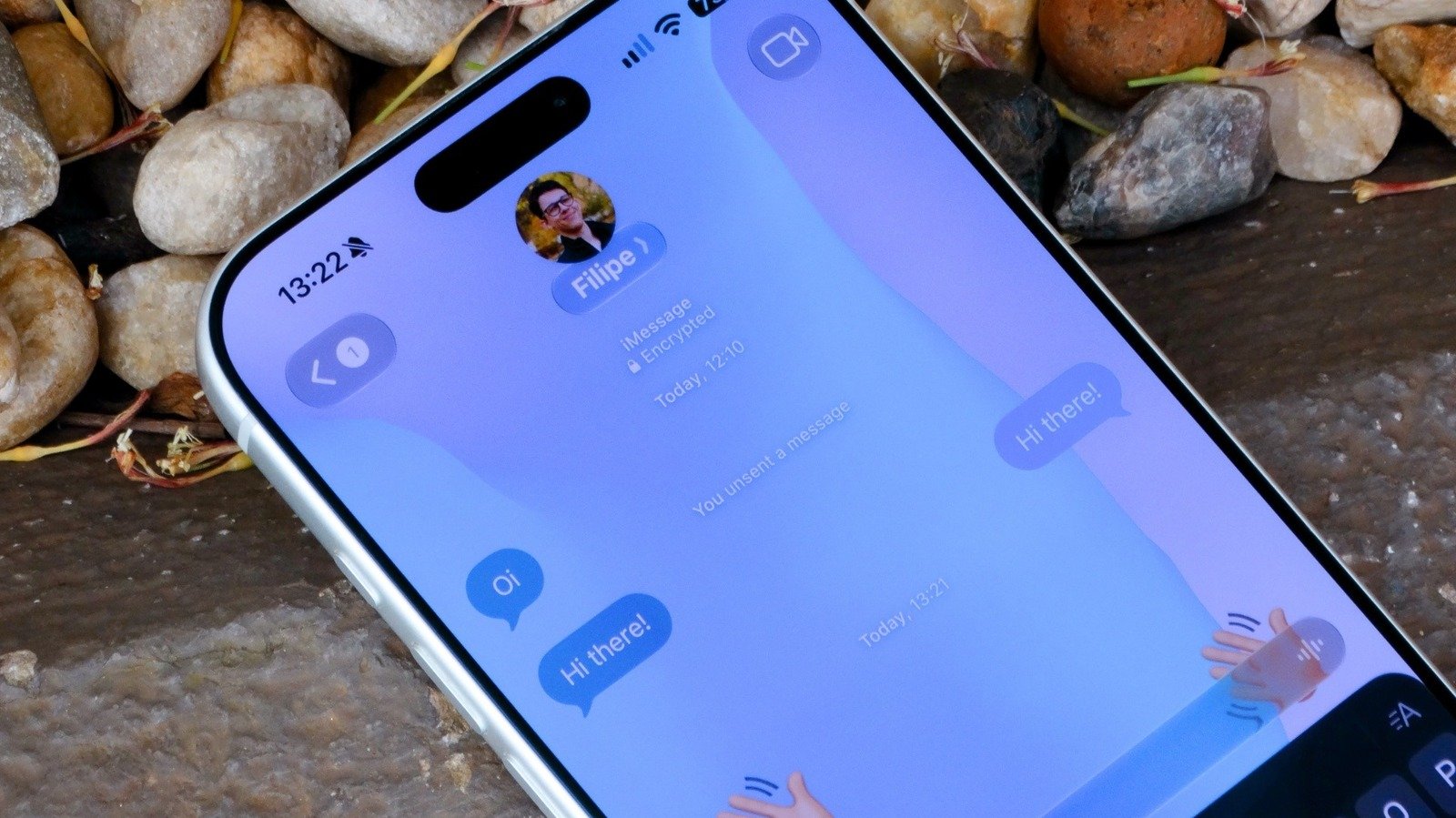
- Apple added customizable backgrounds to Messages in iOS 26, allowing users to personalize their chat environments with animated and static wallpapers.
- Setting a background is simple: select a conversation, tap the contact icon, go to Backgrounds, and choose from Apple’s options, your photos, or generate via Apple Intelligence (on iPhone 15 Pro+).
- Custom backgrounds are only available for iMessage conversations; SMS and RCS chats on Android remain with default backgrounds.
- Users can disable message backgrounds in Settings if they find them distracting, ensuring a tailored messaging experience.
Easy Steps to Personalize Your iPhone Message Backgrounds
Customizing your iPhone messages can make chatting more fun and reflect your style. With the latest iOS updates, Apple has introduced a feature to change message backgrounds. This isn’t complicated and only takes a few taps. First, open the Messages app on your iPhone. Then, select the conversation where you’d like to modify the background. Tap the contact’s icon at the top of the screen. Next, go to the “Backgrounds” tab. Here, you’ll see several options from Apple, including animated wallpapers like Water, Aurora, Sky, and Color. These backgrounds are designed to make conversations more lively.
If you want a more personal touch, you can choose a photo from your gallery or the web. Simply tap “Photo” among the options. Pick the image you want, and the app will set it as the chat background. Keep in mind that everyone in that conversation will see the same background, so choose carefully.
Additionally, if you have an iPhone 15 Pro or later, you might access the Playground feature. This tool uses Apple’s artificial intelligence to generate custom backgrounds based on your preferences. It is a new and exciting way to make your messages stand out. Overall, these features help you take control of your chat experience, adding flair and personality with ease.
Understanding Limitations and Troubleshooting
While customizing message backgrounds enhances your experience, certain limitations exist. First, background options work only with iMessage chats. If you’re texting someone who uses Android or an older device, the background won’t change—that’s because SMS and RCS do not support this feature. Also, for the feature to work smoothly, your iPhone needs to run iOS 26 or later. To check this, open Settings, tap “General,” then “Software Update.” If an update is available, follow the prompts to install it.
Sometimes, you might find that the background still doesn’t change even after following the steps. In such cases, verify if the contact uses iMessage, as backgrounds only work for these chats. If the conversation involves Android users, the background remains default.
Another point to consider is whether the message background feature is enabled. Open Settings, find “Messages,” and look for the “Conversation Background” toggle. If it’s turned off, the backgrounds won’t display even if you’ve set one. Turning this on allows you to enjoy the custom backgrounds and add more personality to your chats. As a bonus, keeping your device updated ensures you have the latest features and improvements from Apple.
The Benefits and New Possibilities in Messaging
Changing the background in iMessage isn’t just about aesthetics; it offers a more personalized and engaging experience. Custom backgrounds help express your mood, style, or interests during conversations. Instead of a boring white or black screen, your chats become dynamic and visually interesting.
Furthermore, animated wallpapers like Water and Aurora add movement, making messages feel more lively. Apple’s recent updates also introduce more options, allowing users to experiment with photos or AI-generated backgrounds. These enhancements improve how you communicate, making texting more creative and fun.
While the feature has some limits—such as only working with iMessage—it still brings significant value. It encourages self-expression and helps you stand out among friends. As iOS continues to evolve, expect more innovative tools that turn ordinary messaging into a colorful, personalized experience. Whether you want simple color schemes or stunning animated scenes, customizing your message background adds a special touch to every chat.
Continue Your Tech Journey
Stay informed on the revolutionary breakthroughs in Quantum Computing research.
Stay inspired by the vast knowledge available on Wikipedia.
CellphonesV1
