

Top Highlights
-
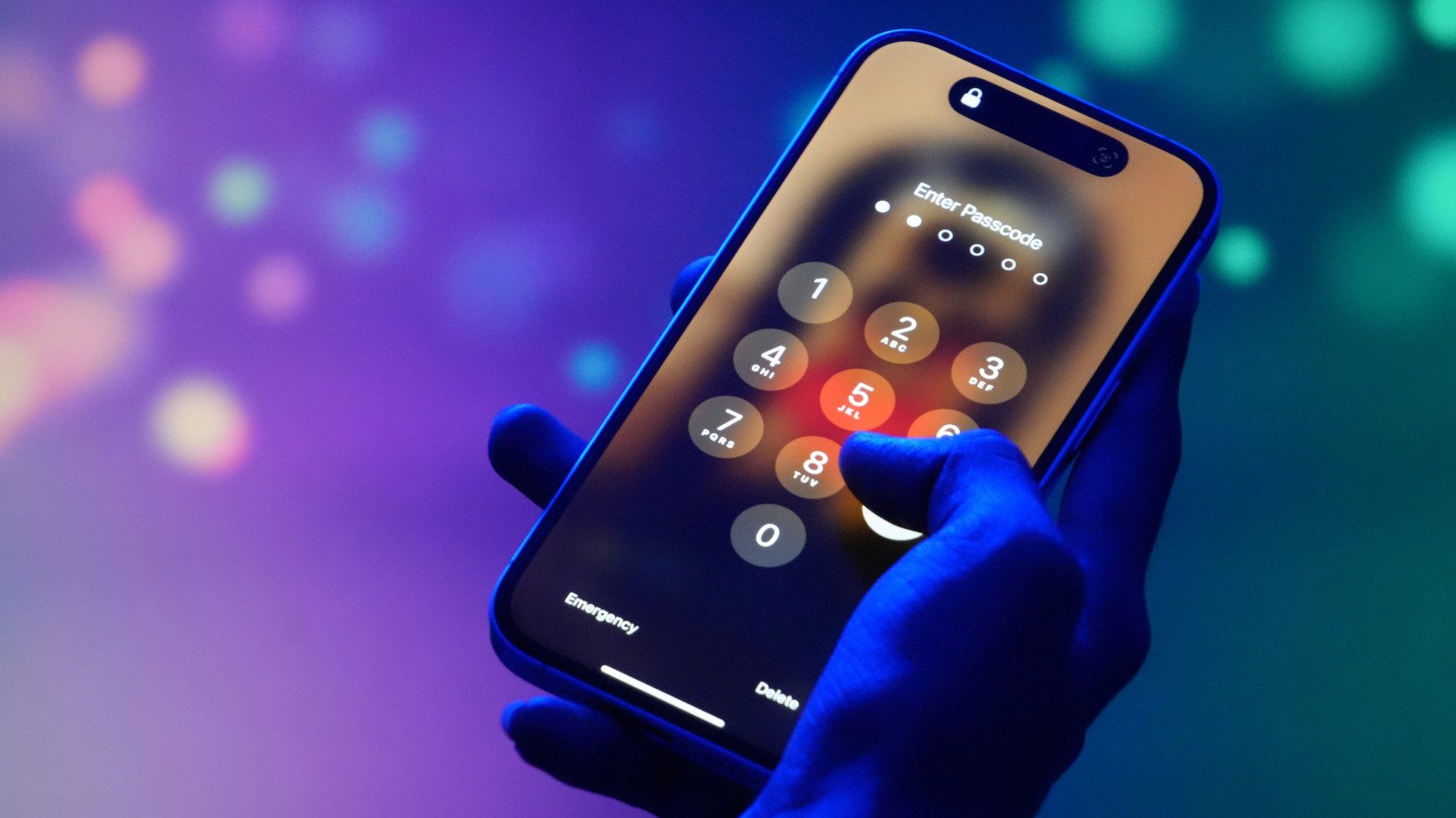
An “iPhone Unavailable” message occurs after multiple incorrect passcode attempts, often due to accidental input or forgetfulness.
-
If using iOS 17+ and within 72 hours of resetting the passcode, users can revert to a previous passcode to regain access via the “Forgot Passcode” option.
-
Without a computer, users with iOS 15.2+ and Find My enabled can erase their device through the “Forgot Passcode” menu, but data will be lost unless backed up.
-
For a full reset via computer, physically connect the iPhone to a PC or Mac in recovery mode, then restore using Finder or Apple Devices app, requiring an existing iCloud backup for data restoration.
Understanding the “iPhone Unavailable” Message
Seeing the “iPhone Unavailable” message pop up can be alarming. This usually happens after entering the wrong passcode too many times. Apple designed this feature to protect your data from unauthorized access. For example, if someone tries to guess your passcode repeatedly, your iPhone will lock itself. Sometimes, even accidental pocket presses can trigger this message. Fortunately, while this lockout feels frustrating, it is also a safeguard. Technology keeps improving, offering new ways to regain access quickly. Knowing how to fix this problem enhances your device’s security and usability. Also, understanding the process helps you avoid frustration if it ever happens again.
Simple Steps to Fix the Error
Depending on your iOS version and circumstance, fixing this error can vary. First, if your device runs iOS 17 or newer and you’ve recently reset your passcode, there’s a quick option called “Forgot Passcode.” After five wrong attempts, tap it, enter your old passcode, and then set a new one. This process restores your access without erasing data. Alternatively, if you don’t have that option or aren’t on iOS 17, you can reset your iPhone without a computer. This method requires Find My enabled, an active internet connection, and your Apple ID details. Tap “Forgot Passcode” on the lock screen, select “iPhone Reset,” then “Erase iPhone.” Follow prompts to sign out and erase everything. Afterward, simply set up your iPhone again. For those comfortable with computers, resetting your iPhone via a PC or Mac involves connecting your device, entering recovery mode, and restoring it using iTunes or Finder. Restoring requires an iCloud backup, so always keep your data backed up beforehand.
Important Tips and Advantages of Updates
Regular iOS updates bring more than just new features—they enhance security and fix bugs. When your device encounters problems like the “iPhone Unavailable” message, keeping your software current makes fixes smoother. Apple has added options over time, like the ability to reset a device without a computer if certain conditions are met. This flexibility means you can often fix your device at home, saving time and money. Additionally, features like Find My help locate and reset devices remotely, adding another layer of protection. Always remember, maintaining backups ensures your data stays safe during these troubleshooting steps. Overall, understanding how iOS and Android differ in security features reveals that both aim to protect users, but Apple provides easy solutions for common issues, making device recovery less stressful.
Expand Your Tech Knowledge
Stay informed on the revolutionary breakthroughs in Quantum Computing research.
Discover archived knowledge and digital history on the Internet Archive.
CellphonesV1
