

Quick Takeaways
- OpenAI’s new Locked chats feature hides selected conversations from chat history, pinned chats, and search.
- Users can unlock them with a PIN, or Face ID and similar authentication on mobile.
- Locked chats aren’t end-to-end encrypted and don’t change OpenAI’s data-retention or model-training settings.
- The feature is rolling out across free, Go, Plus, and Pro accounts; resetting a PIN permanently deletes locked chats and their files.
ChatGPT Now Lets You Lock Sensitive Chats Behind a PIN
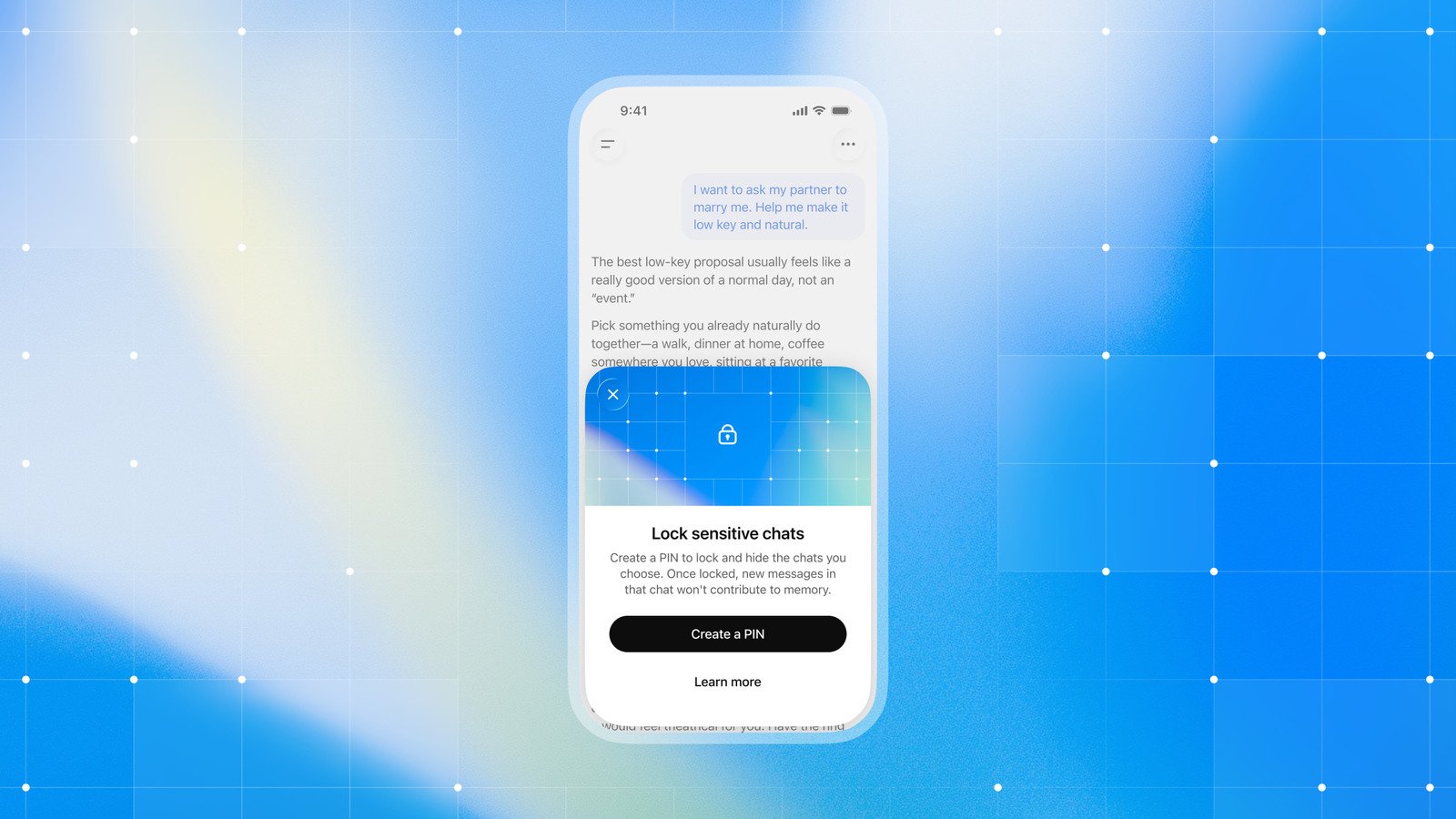
A ChatGPT conversation can hold more than a quick question. People may use the app to talk through personal concerns, plan a surprise or explore a sensitive topic. Now, OpenAI offers a way to keep selected conversations out of ordinary view: locked chats.
The feature adds a layer of privacy on iPhone and Android. But it does not make conversations invisible to OpenAI or replace stronger privacy protections. Here is what the new option does — and what it does not.
A private space inside your chat history
Locked chats let you choose whether a conversation appears in your regular chat history, pinned chats and search results. To open the protected conversations, enter a four-digit PIN. On iPhone and Android, you can also use available device authentication, such as Face ID on an iPhone.
ChatGPT groups locked conversations in a separate project called “Locked chats.” That creates a simple barrier when someone glances at your screen or borrows your phone. It may help with everyday privacy, especially in shared spaces or around curious friends and family.
The feature also works with voice mode on mobile. However, it does not lock Codex conversations. OpenAI is rolling it out gradually, so some users may need to wait a few days to see the option. The company plans to offer it to free users and subscribers with Go, Plus and Pro plans.
A screen lock, not end-to-end encryption
The distinction matters: A PIN protects access to the chats on your device, but locked chats do not use end-to-end encryption. OpenAI can still handle the conversations under its usual policies and legal obligations. The feature does not help users bypass workplace rules or legal requirements.
It also does not change how long OpenAI keeps conversations or whether the company uses them to train its models. Users who want to manage those settings must review them separately. In other words, a locked chat can be harder for someone nearby to open, but the lock does not change the data relationship between a user and OpenAI.
There is also a serious trade-off. If you reset your account PIN, ChatGPT deletes every locked chat and any files uploaded to the Locked chats project. OpenAI says its support team cannot recover that content. Before changing the PIN, consider whether you need to save anything elsewhere.
Useful protection, with clear limits
For many people, locked chats offer a welcome bit of control. A person might want to keep a health question, a private journal-style exchange or a family surprise away from casual view. A four-digit code is quick to use, and biometric access can make the process smoother on a phone.
Still, the feature works best as a privacy screen, not a vault. Users should avoid treating it as a promise of secrecy from OpenAI or as a substitute for reviewing account settings. They should also remember that resetting the PIN erases the locked content.
That balance makes the update useful, if limited. OpenAI gives users a more discreet way to organize sensitive conversations, while its own guidance spells out what the lock cannot do. For anyone who shares a phone or often chats in public, that extra choice may make ChatGPT feel more comfortable to use.
Continue Your Tech Journey
Dive deeper into the world of Cryptocurrency and its impact on global finance.
Discover archived knowledge and digital history on the Internet Archive.
CellphonesV1
