
Close Menu
    Facebook X (Twitter) Instagram
    Wednesday, May 6
    Top Stories:
    • Nuro Secures Driverless Testing Permit for Upcoming Uber Robotaxi Launch
    • 75-Million-Year-Old Fossil Unravels Tyrannosaur’s Shocking Secret!
    • China Expands to 10,000-Card Clusters in AI Race
    Facebook X (Twitter) Instagram Pinterest Vimeo
    IO Tribune
    • Home
    • AI
    • Tech
      • Gadgets
      • Fashion Tech
    • Crypto
    • Smart Cities
      • IOT
    • Science
      • Space
      • Quantum
    • OPED
    IO Tribune
    Home » Take Notes from Lock Screen with Google Keep
    Gadgets

    Take Notes from Lock Screen with Google Keep

    Lina Johnson MercilliBy Lina Johnson MercilliMay 5, 2026No Comments3 Mins Read
    Share Facebook Twitter Pinterest LinkedIn Tumblr Reddit Telegram Email
    Share
    Facebook Twitter LinkedIn Pinterest Email

    Quick Takeaways

    Megan Ellis / Android Authority TL;DR:

    1. Google Keep has hidden settings referencing lock screen note functionality, but the feature isn’t operational yet.
    2. Past efforts hinted at a shortcut for quick notes in Android 14, but the feature was never officially released.
    3. The latest app version suggests a future release, offering options for note duration and quick capture from the lock screen.
    4. No official timeline is provided, and the feature’s release remains uncertain, though it could significantly enhance quick note-taking on Android.

    Potential for Quick Notes on the Lock Screen

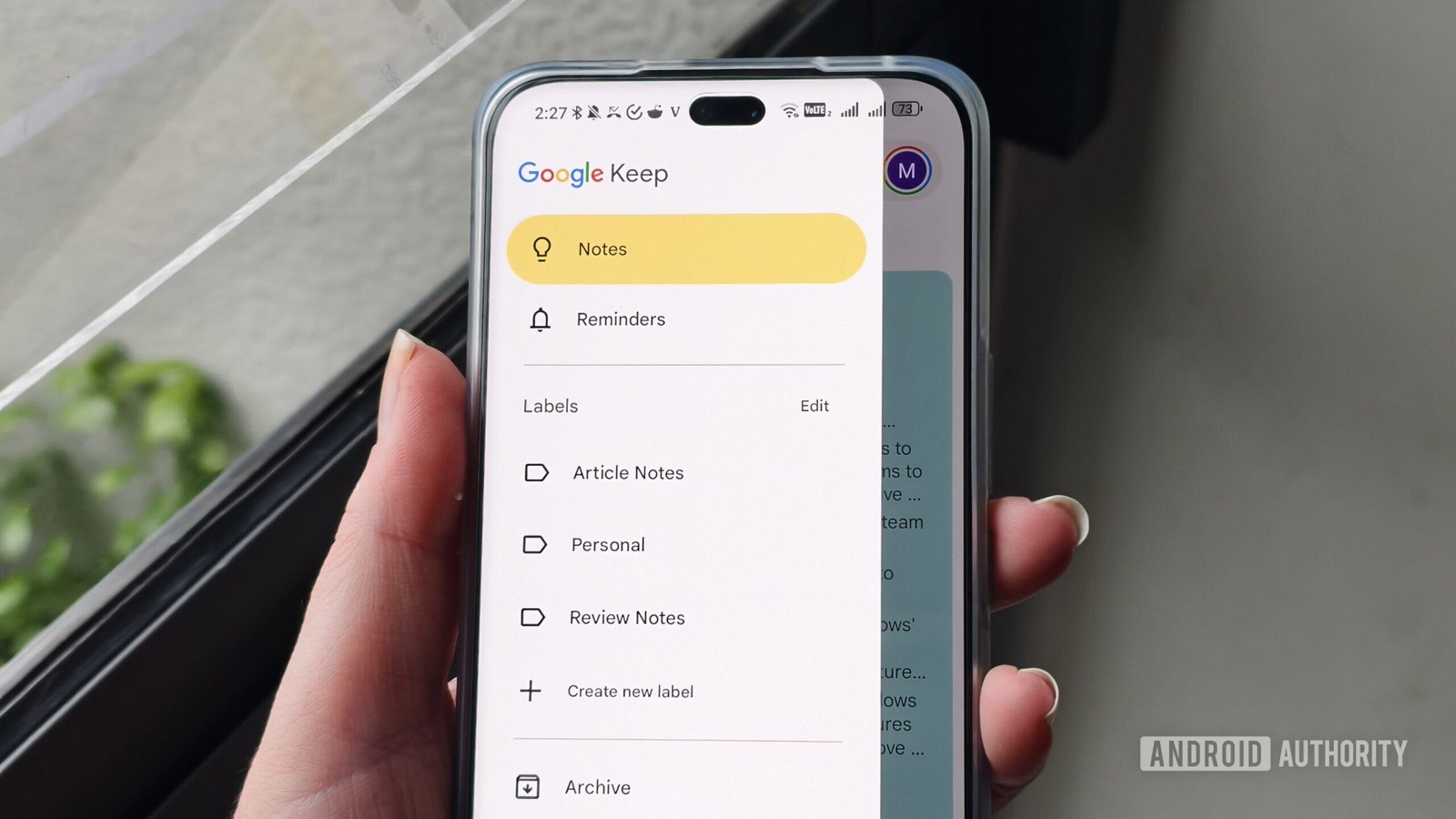
    Google Keep, a popular note-taking app, might soon let users jot down notes right from their lock screen. Recently, Android Authority discovered hidden settings in the app that suggest this feature is in development. Although it doesn’t work yet, it indicates that Google is exploring ways to make quick note-taking easier. This could be a game-changer for users who want to capture ideas fast, without unlocking their phones. The idea is simple: create notes instantly, then save them directly into Google Keep. This would save time and improve productivity for many users on both Android and iOS.

    What We Know About the New Feature

    In the latest Google Keep update, some new settings now refer to lock screen notes. These settings hint at a future where users can start a note directly from the lock screen. However, attempts to do so still show a message saying “Coming soon.” This suggests the feature isn’t ready for full release, but it’s clearly on Google’s radar. Past signals also showed Google testing a lock screen shortcut in late 2023. Back then, Android 14 allowed users to set a default app for quick notes, but Google Keep wasn’t fully supporting it. Now, the company appears to be making progress. Code strings even mention “instant capture” on the lock screen, showing promising signs.

    Opportunities and Challenges Ahead

    This upcoming feature could bring more convenience and efficiency to Google Keep. Being able to quickly take notes without unlocking a device means you won’t miss out on fleeting thoughts or ideas. However, the road to full implementation isn’t certain. The feature might still face delays or changes as Google refines its plans. For now, users can look forward to the possibility of a streamlined way to capture notes swiftly. Despite current limitations, the development hints at a future where taking notes from the lock screen becomes standard, making life easier for tech enthusiasts and everyday users alike.

    Stay Ahead with the Latest Tech Trends

    Dive deeper into the world of Cryptocurrency and its impact on global finance.

    Discover archived knowledge and digital history on the Internet Archive.

    CellphonesV1

    android apple Authority Insights cell google google keep iOS mobile VT1
    Share. Facebook Twitter Pinterest LinkedIn Tumblr Email
    Previous ArticleBose Challenges Sonos with Game-Changing Home Speakers!
    Next Article Real-Time Self-Healing Layer Fixes RAG Hallucinations
    Avatar photo
    Lina Johnson Mercilli
    • Website

    Lina Johnson Marcelli is the editor for IO Tribune, bringing over two decades of experience in journalism to her role. With a BA in Journalism, she is passionate about delivering impactful stories that resonate with readers. Known for her keen editorial vision and leadership, Lina is dedicated to fostering innovative storytelling across the publication. Outside of work, she enjoys exploring new media trends and mentoring aspiring journalists.

    Related Posts

    AI

    Thriving in Logistics Uncertainty with MARL

    May 6, 2026
    Gadgets

    Share Your Approximate Location on Chrome Android

    May 6, 2026
    Space

    Mexico City: A Race Against Gravity

    May 6, 2026
    Add A Comment

    Comments are closed.

    Must Read

    Thriving in Logistics Uncertainty with MARL

    May 6, 2026

    Share Your Approximate Location on Chrome Android

    May 6, 2026

    Mexico City: A Race Against Gravity

    May 6, 2026

    Bitfinex: Bitcoin Rally Fails to Signal Upside

    May 6, 2026

    「F/CE.®のデザイン哲学:文化が生む革新」

    May 6, 2026
    Categories
    • AI
    • Crypto
    • Fashion Tech
    • Gadgets
    • IOT
    • OPED
    • Quantum
    • Science
    • Smart Cities
    • Space
    • Tech
    • Technology
    Most Popular

    Funding Surge Fuels Rise of Humanoid Robotics in China

    February 4, 2026

    Score 20% Off JBL Noise-Canceling Headphones—Act Fast!

    April 11, 2025

    Will a Pullback Follow the Recent Surge?

    May 24, 2025
    Our Picks

    Meet Claude: Your Hands-On Digital Teammate!

    January 13, 2026

    Four Tiny Planets Discovered Around Our Nearest Star!

    March 16, 2025

    Robinhood’s Crypto Revenue Soars

    August 3, 2025
    Categories
    • AI
    • Crypto
    • Fashion Tech
    • Gadgets
    • IOT
    • OPED
    • Quantum
    • Science
    • Smart Cities
    • Space
    • Tech
    • Technology
    • Privacy Policy
    • Disclaimer
    • Terms and Conditions
    • About Us
    • Contact us
    Copyright © 2025 Iotribune.comAll Rights Reserved.

    Type above and press Enter to search. Press Esc to cancel.