

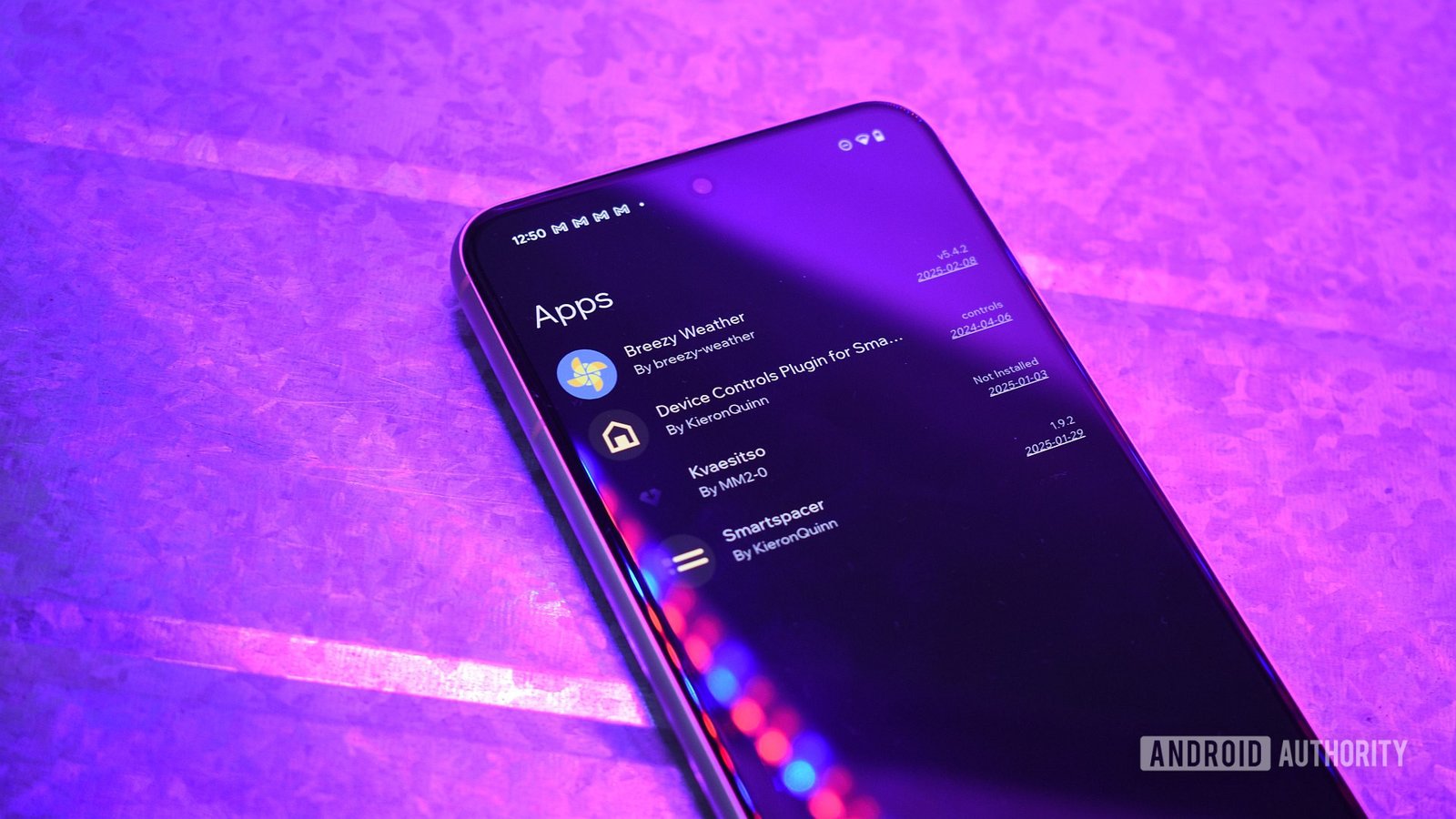
Quick Takeaways
- Obtainium is a free, open-source app that automates and simplifies updating non-Play Store Android apps by monitoring various sources and sending notifications or auto-updating when new versions are available.
- It supports multiple sources such as GitHub, F-Droid, APKPure, and others, requiring a one-time setup where users add app sources via URLs, ensuring correct source use for successful updates.
- Users can customize update options including version tags, prerelease inclusion, and filtering, with community-contributed configurations available to ease setup for complex apps.
- Despite its efficiency, Obtainium has limitations like reliance on HTML scraping, API rate limits with GitHub, and read-only access on some sites like APKMirror, requiring manual intervention for some apps.
Understanding Obtainium: Simplifying Sideloaded App Updates
For Android fans who love exploring apps outside the Google Play Store, managing these sideloaded apps can become a hassle. Many of these apps come from alternative sources like GitHub, F-Droid, or developer websites. While downloading them isn’t difficult, keeping them updated often feels like a chore. That’s where Obtainium steps in. It is a free, open-source tool designed to make updating sideloaded apps easier.
With Obtainium, you only set it up once. Afterward, it tracks your chosen sources in the background. When updates are available, it sends notifications. Some apps even update themselves automatically, without any manual effort. This feature saves time and reduces the hassle of checking multiple sources manually. Overall, Obtainium’s primary goal is to automate what used to be a tedious process—helping Android users stay current with their favorite apps from outside the Play Store.
Support for multiple sources makes Obtainium versatile. It checks platforms like GitHub, F-Droid, APKMirror, and even websites like APKPure or Uptodown. This variety ensures you can track nearly any sideloaded app you enjoy. Setting it up requires just a few clicks: installing Obtainium, copying the app’s source URL, and adding it in the app. After that, Obtainium takes care of the rest, keeping your apps updated regularly. This automation not only saves time but also reduces the risk of missing important updates, enhancing your overall app experience.
Getting Started: How to Set Up and Use Obtainium Effectively
Starting with Obtainium is straightforward. First, visit its official website and download the latest APK file by clicking the “Download Universal APK” button. Once downloaded, open the file and grant the necessary permissions to install apps. Tap “Install,” and Obtainium will be ready to use.
Next, you need to add your apps for tracking. Open your browser and visit the webpage where you downloaded each app. Copy the page URL from the address bar. Then, open Obtainium, navigate to the “Add app” tab, and paste the URL into the designated field. Tap “Add” to register it.
When adding sources, accuracy is vital. For instance, if you installed an app via F-Droid, use its F-Droid link in Obtainium. Using a different source like GitHub won’t work because of different digital signatures. The app recognizes mismatched signatures and prevents incorrect updates. After setting up sources, Obtainium will automatically check for updates every six hours by default, or at your preferred interval.
The app offers multiple options to customize how updates are tracked. For example, you can select “Verify the latest tag” to focus solely on stable releases or toggle “Include prereleases” if you’re testing beta versions. There’s also a “Track-only” option, which alerts you about updates without downloading, and Regex filtering to find specific release notes. These features enable fine control over what Obtainium monitors and how.
Once all apps are added, Obtainium will notify you when updates are available. For apps that support auto-updating, it installs updates silently in the background. For others, it will alert you, and you can choose when to manually download and install the latest versions. Tweak settings like update frequency or notification preferences under the app’s settings menu to fit your routine. This flexibility makes Obtainium a powerful tool tailored to different user needs.
Understanding Limitations and Considering the Value
While Obtainium offers impressive convenience, it’s important to recognize its limitations. For websites that don’t provide an API, Obtainium relies on HTML scraping to check for updates. If the website’s code changes, this method may break temporarily until updates are made. However, for most mainstream sources, this isn’t a frequent issue.
Another challenge comes from GitHub’s API rate limits. When tracking many repositories, you might hit a ceiling that restricts how often Obtainium can check for updates. To resolve this, you can create a GitHub Personal Access Token (PAT). This token increases your request limit and smooths out update checks. Setting up a PAT is straightforward on GitHub and offers a seamless experience with multiple apps.
Additionally, some sources like APKMirror pose restrictions. Obtainium can monitor for new versions but can’t download or install files directly from these sites. Instead, it alerts you when updates are ready. You then manually download and install the APKs. While this extra step might seem inconvenient, it keeps you in control of the installation process, adding an extra layer of safety.
Despite these limitations, Obtainium remains a valuable tool for Android lovers who frequently sideload apps. It automates most of the update process, reducing manual effort dramatically. By intelligently tracking multiple sources with customizable options, it keeps your apps current without constant manual checks. As Android continues to evolve, tools like Obtainium help users enjoy the flexibility of sideloading while maintaining security and convenience.
Expand Your Tech Knowledge
Learn how the Internet of Things (IoT) is transforming everyday life.
Discover archived knowledge and digital history on the Internet Archive.
CellphonesV1
