

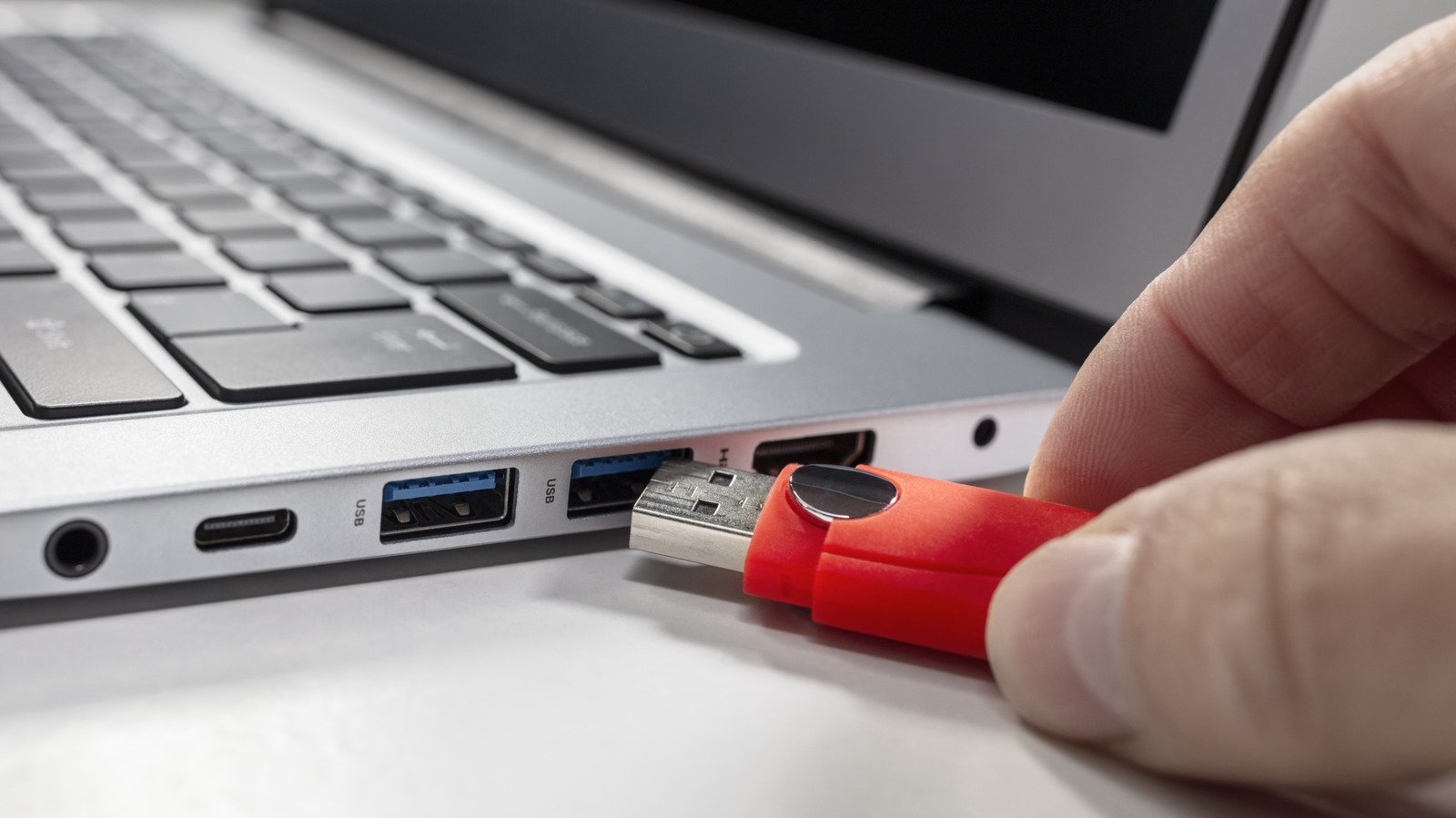
Summary Points
- External drives may remain active even after transferring files, with background processes like indexing and backups still running.
- Not ejecting external drives risks data corruption, incomplete files, and potential damage to the drive’s file system or partition table.
- Proper ejection is especially crucial on macOS and Linux due to ongoing background activities and write caching, reducing data loss risks.
- Although some drives have built-in protections, it’s safest to always eject or unmount external drives before unplugging to avoid silent data corruption.
Why Proper Ejection Matters for Your Data
Many people think that unplugging a drive is harmless once the file transfer bar disappears. However, that’s not always true. Even when your screen shows that copying is done, your computer might still be working behind the scenes. It could be finishing up writing cached data or updating file records. If you pull out the drive too quickly, you risk damaging your files. In fact, proper ejection gives your system a chance to complete all tasks safely. This small step helps prevent data corruption and incomplete files. For iOS and Android users, this process strengthens the security of your data, especially when using external drives with mobile devices. Taking a few seconds to eject keeps your information safe and your external drive healthy.
The Risks of Not Ejecting
Many believe that unplugging an external drive causes no harm. Unfortunately, that’s not always the case. If a transfer is happening, pulling out the drive can interrupt the process. Files may become corrupted or lost in the process. Sometimes, even without ongoing transfers, unintentional removal can cause silent damage to your drive’s file system. This means your device may not recognize its contents later. You might see errors like “Disk Not Ejected Properly” or find your drive suddenly unresponsive. In rare situations, neglecting proper ejection can lead to serious issues like partition table damage, which might make your drive unreadable until repaired. Whether you’re on Windows, Mac, or Linux, the risks tend to be similar, making careful ejection an important habit.
When Is It Safe to Unplug?
There are times when it’s okay to remove an external drive without ejecting first. Generally, if no apps are using the drive, no files are open, and no transfers are happening, then it’s safe. But, even then, background processes can continue acting without your knowledge. On Windows, you can make your drive safer by setting it to “Quick removal,” which reduces risks but may lower performance. On Macs, you should always eject drives to prevent ongoing background tasks from causing trouble. Linux users face higher risks because the system heavily relies on write caching, which can hide ongoing tasks. Some newer drives have built-in protection features that help avoid damage during sudden removal, but these are not foolproof. Ultimately, taking the extra moment to eject or unmount your external drive ensures your data stays safe and your device remains reliable over time.
Expand Your Tech Knowledge
Stay informed on the revolutionary breakthroughs in Quantum Computing research.
Access comprehensive resources on technology by visiting Wikipedia.
CellphonesV1
