

Top Highlights
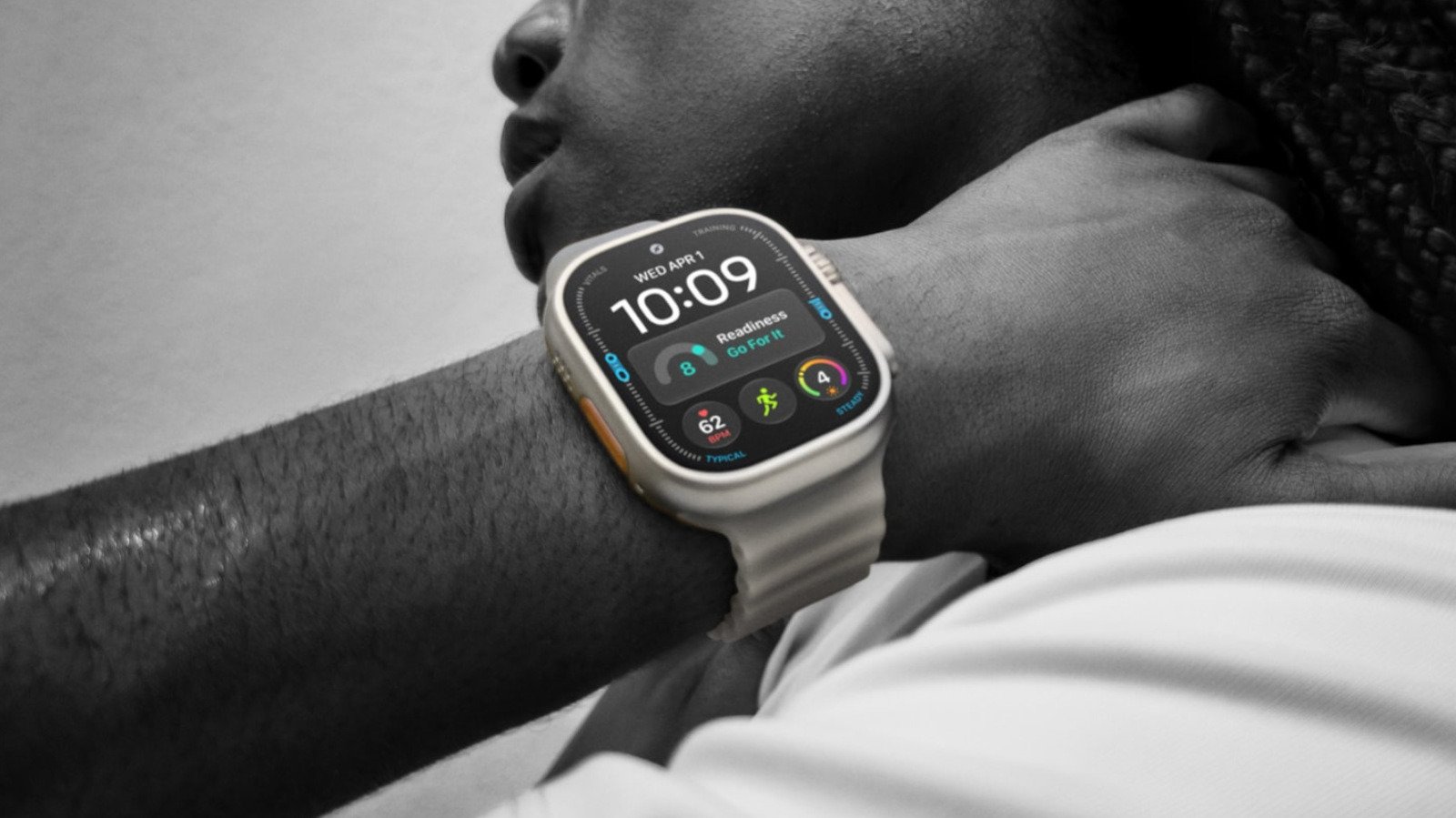
- The Apple Watch Ultra 4 pairs rugged design, long battery life, and accurate GPS with features aimed at serious athletes and adventurers.
- Its orange Action button quickly launches one chosen function, from workouts and voice memos to the emergency siren.
- Waypoint and Backtrack help users mark locations and retrace routes—especially useful for outdoor navigation.
- Accessibility tools and Shortcuts make the button highly customizable, including one-tap control of smart-home routines.
What Can You Use Your Apple Watch Ultra 4 Action Button For?
That bright orange button on the Apple Watch Ultra 4 looks simple. Its value comes from what it can do with one press. Instead of digging through apps, you can start a workout, mark a trail point or turn on the flashlight right from your wrist.
The button does have limits. You can assign one main function at a time, and the Ultra 4 costs $800. Still, for people who train outdoors, explore unfamiliar places or rely on quick shortcuts, it can make the watch feel more useful—and less like a tiny screen you have to navigate.
A quick launch for workouts, tools and water activities
The most familiar use is starting a workout. Set the Action button to open the Workout app, or choose a specific activity so a press takes you straight to your run, hike or strength session. During a workout, another press can mark a segment. To pause, press the Action button and side button together.
That small shortcut matters when you’re moving. A runner can mark a lap without searching through menus. A hiker can start tracking before setting off. A lifter can keep attention on the next set instead of the watch face.
The button also works well for simple, everyday tools. Choose Flashlight, Voice Memo, Translate or Recognize Music. Press once to start the selected feature, then press again to stop it. That can mean recording a quick thought while your hands are full, checking a phrase while traveling or identifying a song playing nearby.
For timing, assign Stopwatch. Press once to start, then press again to mark a lap. If you need to pause, press the Action and side buttons together. Divers can choose Dive to launch a water session. In that app, the same two-button combination can start a secondary function.
You can also use the button to trigger the Ultra 4’s emergency siren. That feature may help attract attention if you get lost or hurt. It cannot replace preparation, navigation skills or a way to contact emergency services. But in a difficult moment, a loud signal can give people nearby another way to find you.
Trail navigation, flexible controls and a real trade-off
For outdoor adventures, Waypoint and Backtrack offer two distinct kinds of help. Waypoint lets you mark a spot in the Compass app, then return to it later. You might mark a trail junction, a campsite or the place where you left your car. The watch can also add certain points automatically, including your parked car and the last location with a cell signal.
Backtrack serves a different purpose. It records your route so you can retrace your steps. Press the Action button to begin recording. Later, press the Action and side buttons together to switch between recording and retracing. That could prove useful when a familiar trail disappears beneath fresh snow or a side path looks less obvious on the way back.
You do not have to stick with one choice for the whole day. Briefly hold the Action button to open the Quick Switch menu, then change its function when your plans change. For example, start the morning with a workout shortcut, then switch to a navigation tool before heading into the hills.
That flexibility helps address the button’s biggest restriction: It runs only one assigned function at a time. The Quick Switch menu adds options, but it still takes a little attention to choose the right one. In the middle of a fast workout or a stressful situation, even a quick menu can feel like an extra step.
Still, the button gives Ultra owners direct access to features that other Apple Watch users may need to find through apps or complications. The rugged design, GPS tools, satellite features and battery life of up to 50 hours also make the Ultra 4 appealing to people who spend long stretches outside. By comparison, a Series 12 may need a daily charge. The $800 price remains a serious commitment, so casual users may not get enough value from its extra hardware.
Accessibility and Shortcuts make one press more personal
Accessibility offers another practical use. Assign the Action button to features such as AssistiveTouch or VoiceOver, or use it to control nearby devices. These tools can help people with different mobility or vision needs. They may also suit anyone who wants a faster way to reach a specific control.
For the broadest range of possibilities, choose Shortcuts. Apple’s Shortcuts app can connect a button press to an automation on your iPhone, watch or smart home. One press could turn on lights, adjust a thermostat and start local news on a HomePod. Another shortcut might begin a commute routine or open a set of tools you use every morning.
The more ambitious the automation, the more carefully you should test it. A shortcut can save time, but it can also do the wrong thing if you build it poorly. For example, a “driving home” routine should send your arrival estimate to the right person—not an unintended contact.
The Shortcuts app can feel complicated. However, iOS 27 adds a simpler option on iPhones with Apple Intelligence: Describe the shortcut you want, then review what the system creates. That can lower the barrier for new users, though a final check still matters.
Ultimately, the Action button works best when it removes friction from something you already do. It may start a run, record a thought or help guide you back along a trail. The Ultra 4 asks users to pay more and learn a few extra controls. In return, it puts useful actions within easy reach—one orange press at a time.
Expand Your Tech Knowledge
Learn how the Internet of Things (IoT) is transforming everyday life.
Stay inspired by the vast knowledge available on Wikipedia.
CellphonesV1
